
tigerhonaker
Senior Member
Jason ...How do I post full sized pics from photobucket? I'm loading more pics from last night and I'd like to post full sized pics
It also greatly helps to use (Multiple) browsers.
You load all the pictures in photobucket.
Then open up the New Thread or Post here on S197.
Go back to photobucket and go to the 1st picture you want to post.
Click on that picture and it will then go to Full-Size.
To the "Right" of that picture will be a list of "Options".
One of those "Options" says (IMG).
Left click on that (IMG) and go back to your Post where you want that picture to be.
Right Click and you see the word (PASTE).
Click on the word (PASTE)
And there you will see all the codes for that 1-picture.
But as soon as you LOAD all the pictures you want then at the bottom of that and below the icons you see, {Submit Reply) & {Preview Post}.
Click on {Preview Post} and you will see all the pictures and also you can make any necessary changes "Before" you Click on the {Submit Reply}.
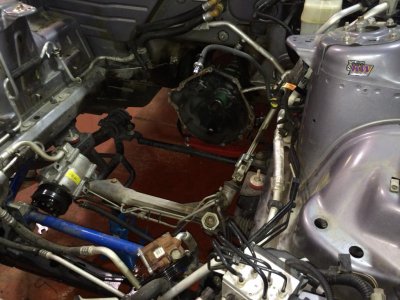
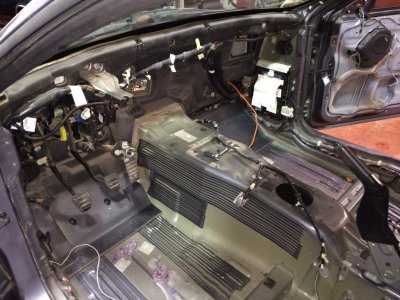
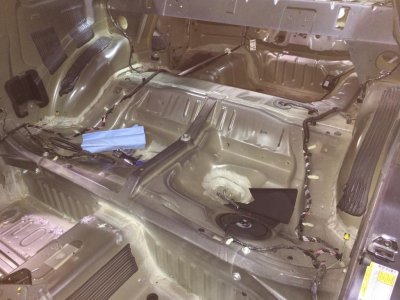
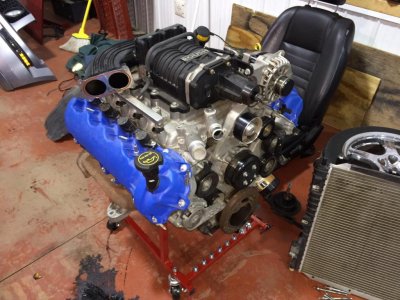
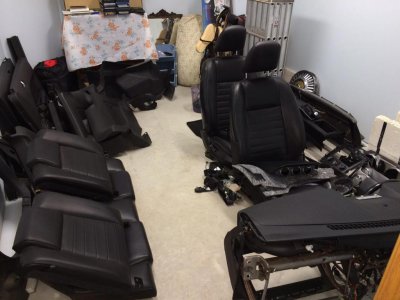
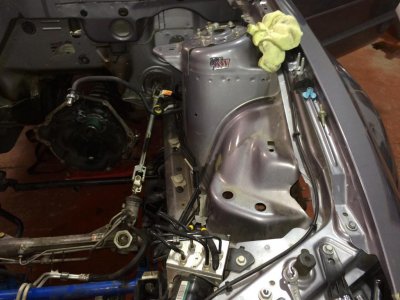
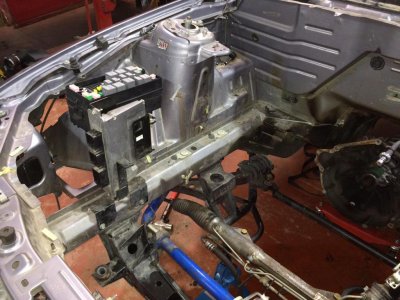
Here is 1-Picture doing exactly what I said above.

Terry
Last edited: