The PIC WHORE CLUB!!! Knock before you Enter!!!

3.73-11

Member
Joined
Mar 15, 2011
Posts
340
Reaction score
0
^hey shark tales if you wanna buy the cs fascia&headlights new, then order it from a ford dealer under the accessories part number. That's how my buddy on here nealatthewheel did it and compared to lmrs american muscle etc iirc it was almost $200 cheaper!
Also don't know what upper grille your going to use but he has the saleen&so does my buddy with the cs fascia swap, it's a great looking grille man and I've seen several on craigslist for under $100. Just some thoughts:crazy:
And if you decide you want a lower grille insert there's a guy on the mustang source who sells a custom lower black billet insert he makes:thumb2:
 

Grabber5.sl0w

Senior Member
Joined
Jul 22, 2011
Posts
1,379
Reaction score
1
Location
Martinsburg, WV
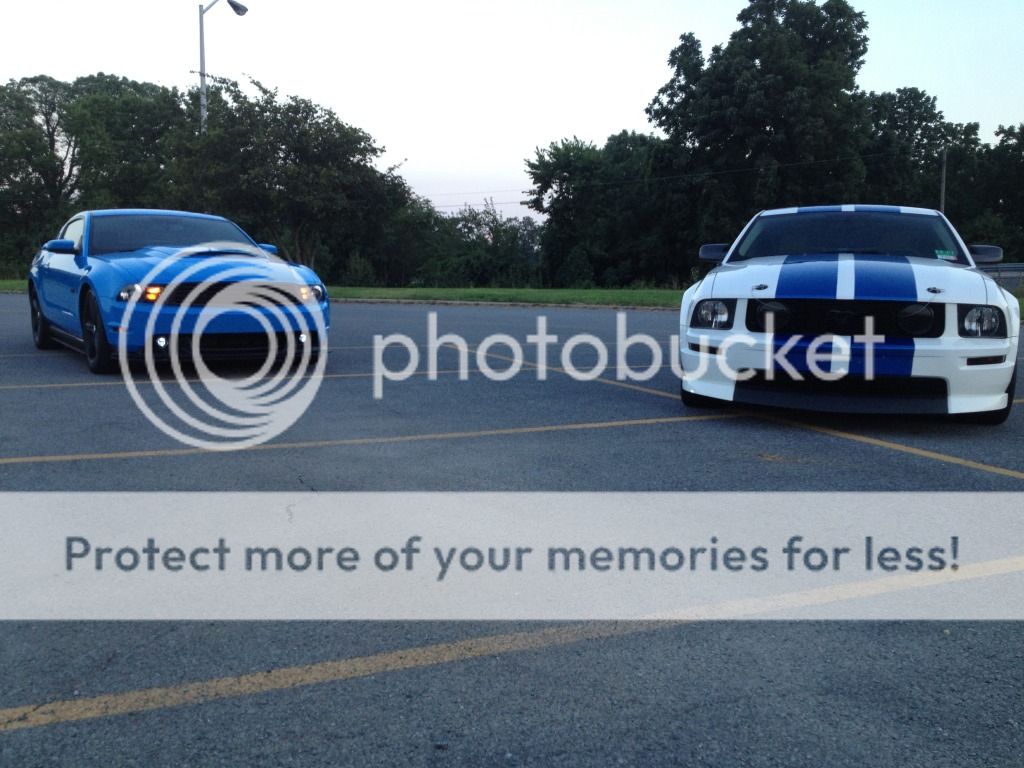
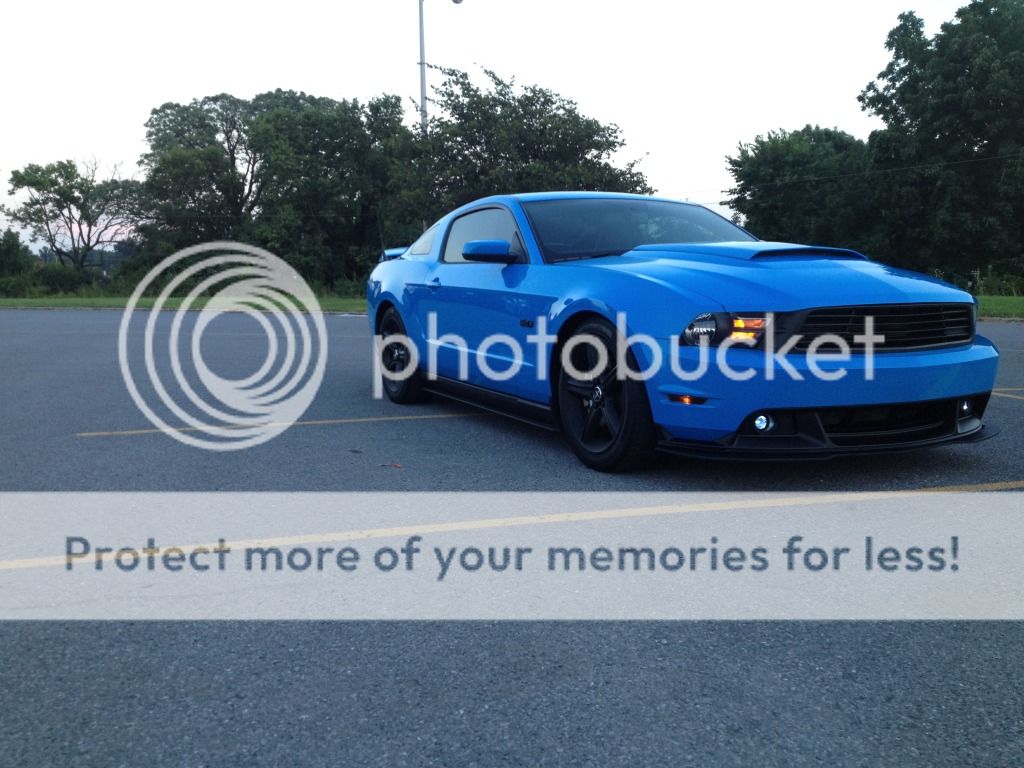
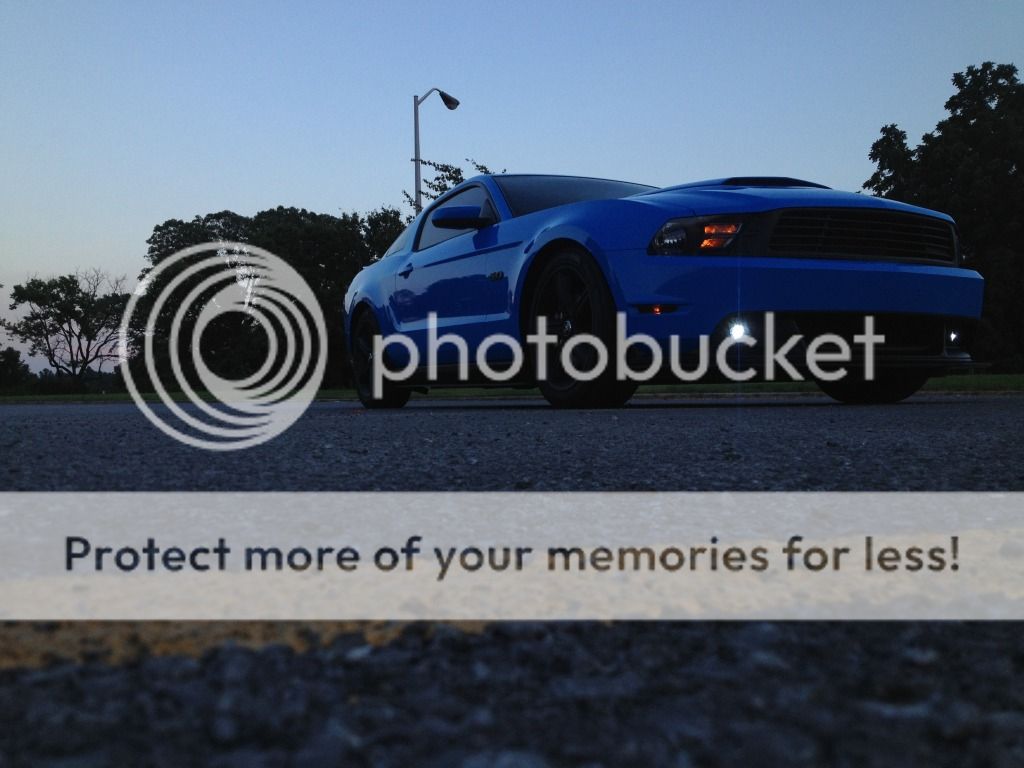
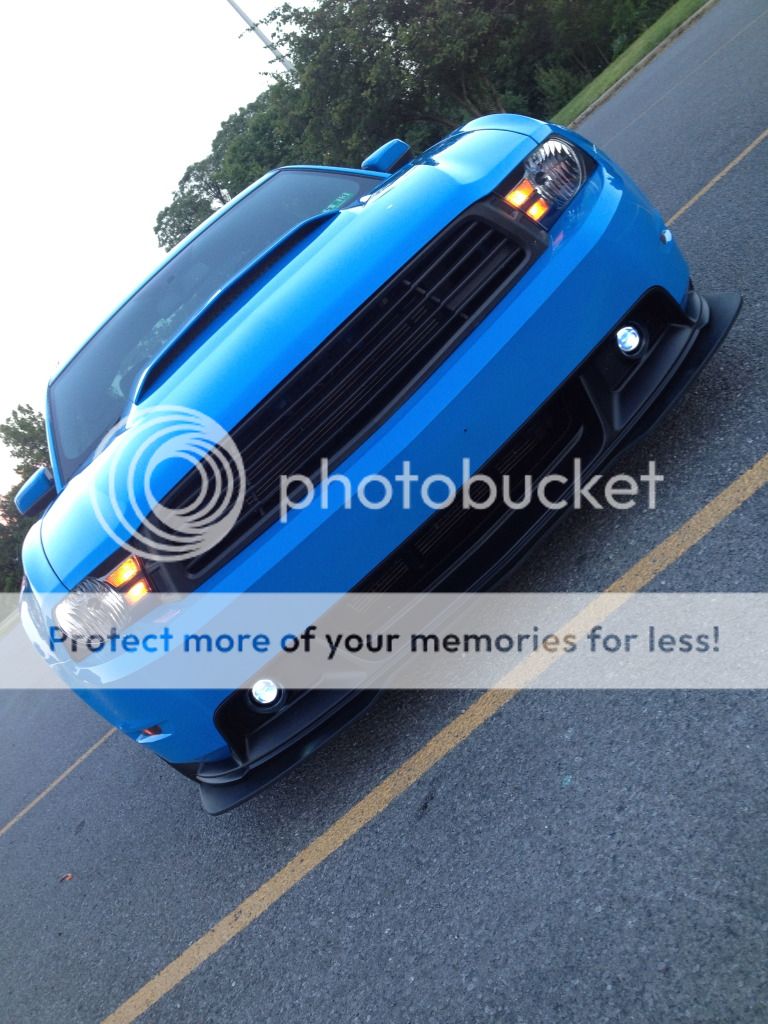
Took a few shots with my buddy (shelbgt05) before we went out drinking lastnight (Not driving ofcourse haha).

IMG_0628.jpg

IMG_0630.jpg

IMG_0639.jpg

IMG_0642-1.jpg

IMG_0645.jpg
 
Last edited:

shark tales

Wiggle Wiggle Memeber
Joined
Jan 12, 2012
Posts
2,196
Reaction score
1
Location
Charlotte, NC
^hey shark tales if you wanna buy the cs fascia&headlights new, then order it from a ford dealer under the accessories part number. That's how my buddy on here nealatthewheel did it and compared to lmrs american muscle etc iirc it was almost $200 cheaper!
Also don't know what upper grille your going to use but he has the saleen&so does my buddy with the cs fascia swap, it's a great looking grille man and I've seen several on craigslist for under $100. Just some thoughts:crazy:
And if you decide you want a lower grille insert there's a guy on the mustang source who sells a custom lower black billet insert he makes:thumb2:

really? Im def doing the cs and boss splitter but if you say its 200 cheaper im all about that!

Im keeping the grille for a while bc I want to enjoy having fog lights again. later on I might change it up

thanks for the info
 

W3bb3r04

Slow 3v Member
Joined
Jun 18, 2012
Posts
3,556
Reaction score
2
Location
Clinton, TN
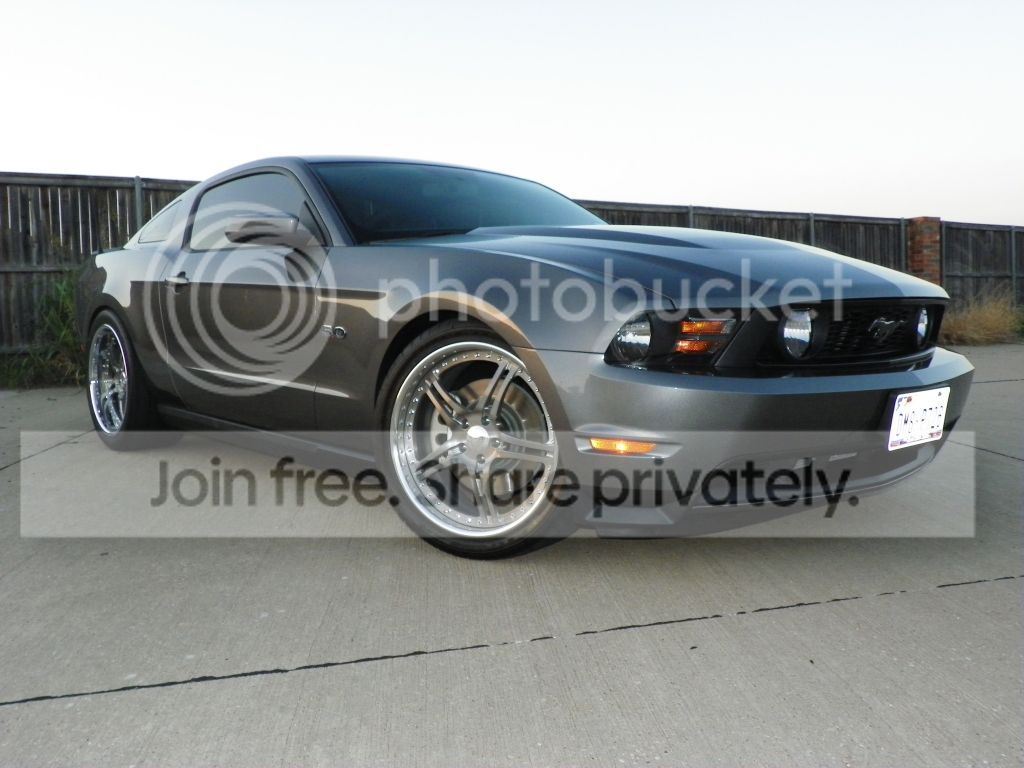
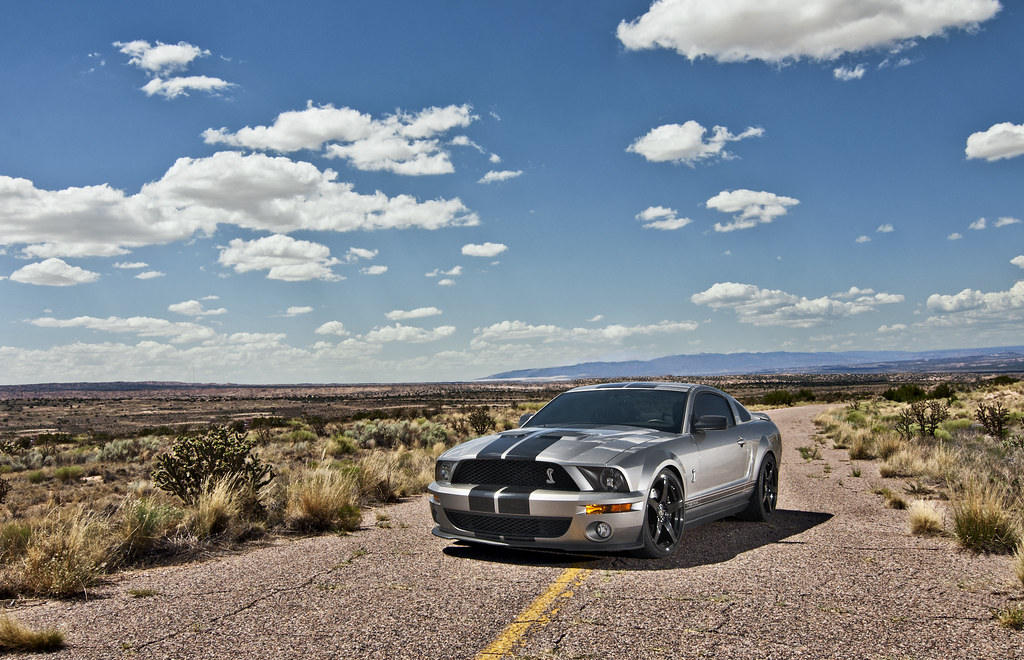
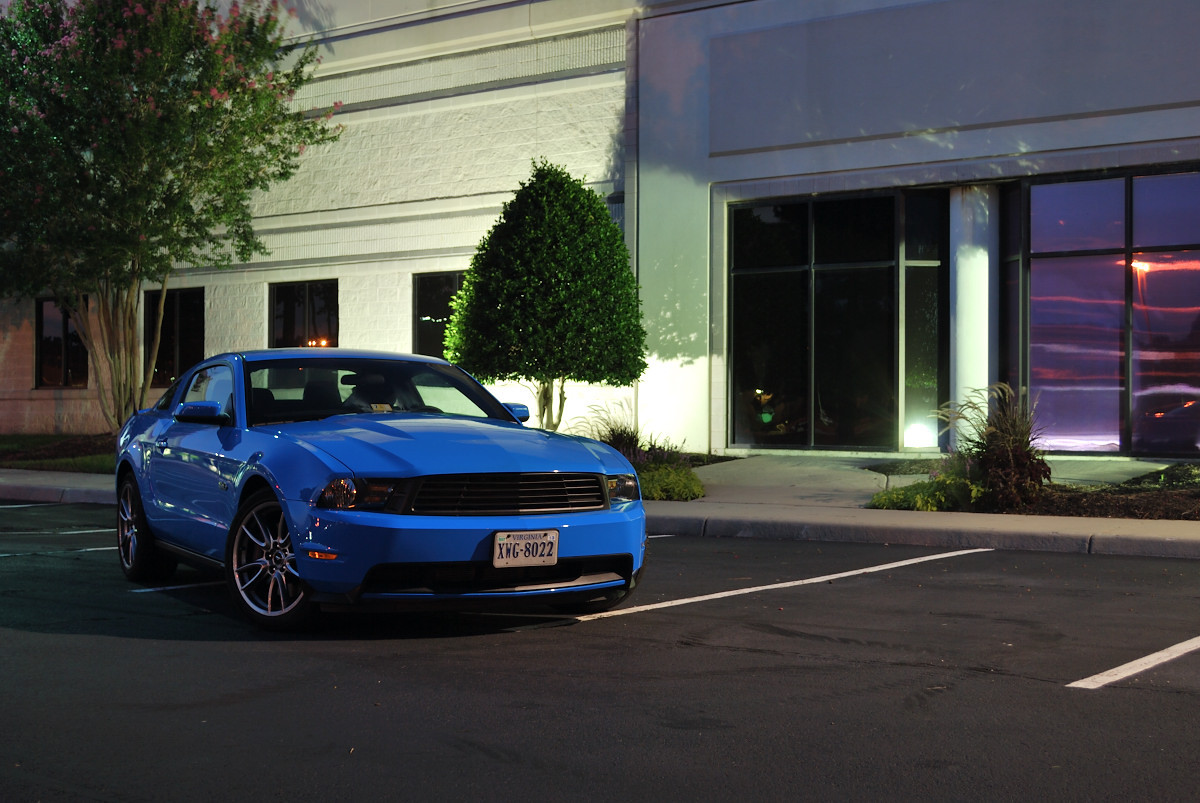
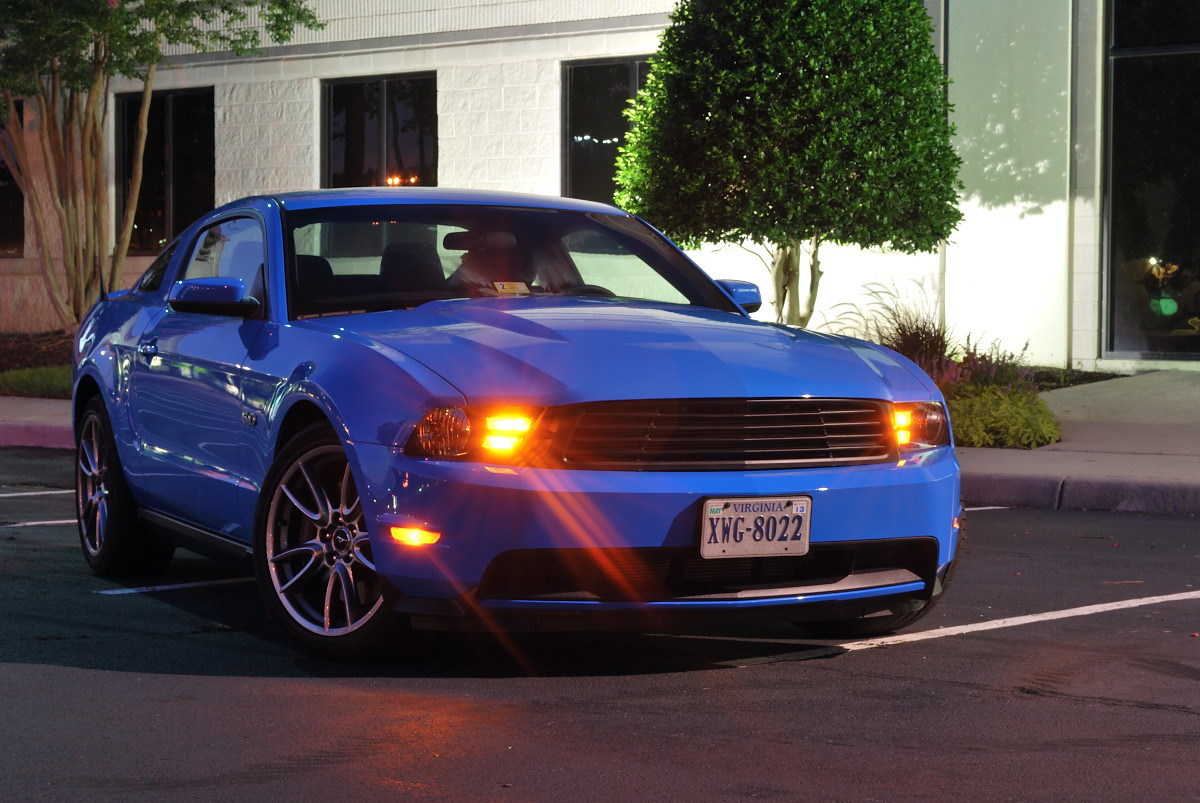
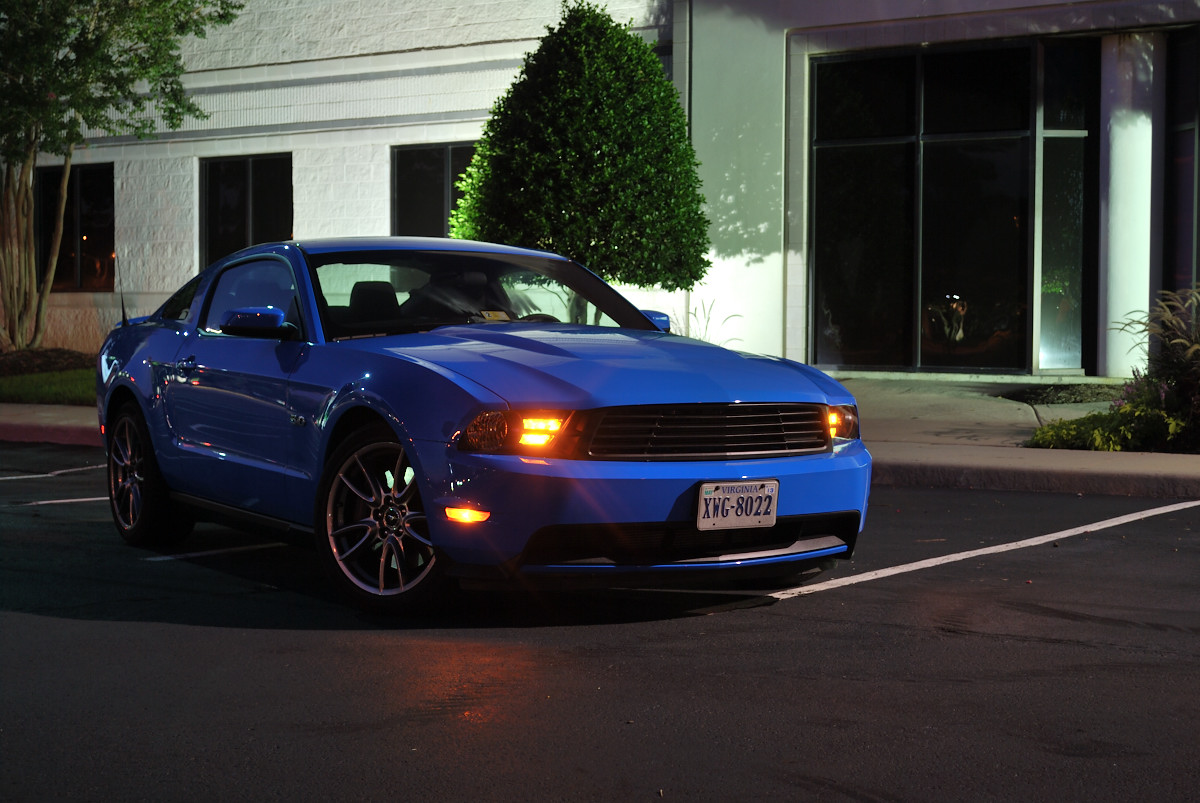
I finally picked up some strobes. Here's what the practice shot came out.

7682610804_ecf1df0de7_b.jpg

The car is gorgeous and the photography is amazing! What kind of things did you adjust when editing this? I'm still learning a lot about this stuff.


Sent from my iPhone using Tap Tap Taparoo
 

Mr. Joshua

Member
Joined
Jul 1, 2010
Posts
255
Reaction score
0
Location
Abq, NM
The car is gorgeous and the photography is amazing! What kind of things did you adjust when editing this? I'm still learning a lot about this stuff.


I had 3 basic layers. 1). Sky 2). Ground/Road 3). Car
I played with shadow/highlights, exposure, color balance, curves and unsharpen mask on each layer. I use Photoshop CS5. I hope it helps. PM me if you need or want more answers.

-Josh
 

W3bb3r04

Slow 3v Member
Joined
Jun 18, 2012
Posts
3,556
Reaction score
2
Location
Clinton, TN
I had 3 basic layers. 1). Sky 2). Ground/Road 3). Car
I played with shadow/highlights, exposure, color balance, curves and unsharpen mask on each layer. I use Photoshop CS5. I hope it helps. PM me if you need or want more answers.

-Josh

Thanks man!


Sent from my iPhone using Tap Tap Taparoo
 

neema

Member
Joined
Aug 30, 2010
Posts
748
Reaction score
0
Location
Fresno, CA
I had 3 basic layers. 1). Sky 2). Ground/Road 3). Car
I played with shadow/highlights, exposure, color balance, curves and unsharpen mask on each layer. I use Photoshop CS5. I hope it helps. PM me if you need or want more answers.

-Josh

always nice when a magician shares his tricks. great pic (as usual) mr. josh


i'd be really interested to see how you do shooting in a different environment. for example: a luscious green forest or a shot with the sunset/sunrise over coastal water. you've gotta get out of the desert man!
 

Deez-67

Senior Member
Joined
Mar 12, 2009
Posts
6,288
Reaction score
56
Location
Edmond, Oklahoma
I had 3 basic layers. 1). Sky 2). Ground/Road 3). Car
I played with shadow/highlights, exposure, color balance, curves and unsharpen mask on each layer. I use Photoshop CS5. I hope it helps. PM me if you need or want more answers.

-Josh

thanks for sharing and great shot as always man. Keep them coming.
 

Latest posts

Support us!

Support Us - Become A Supporting Member Today!

Click Here For Details

Back
Top